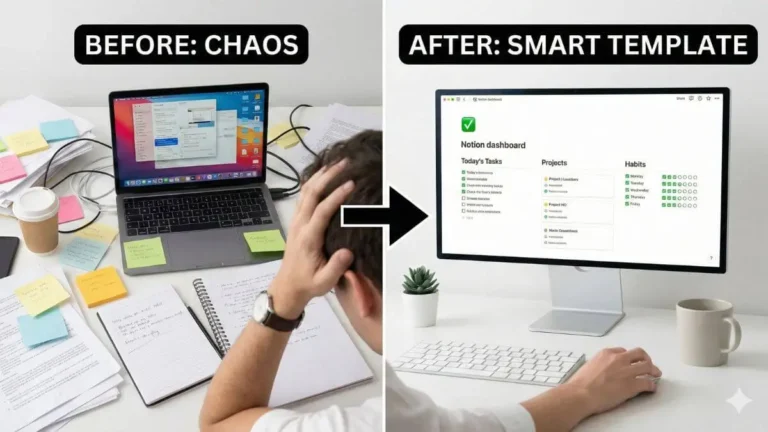


Let’s be honest: how much time do you spend actually working versus organizing your work? In 2026, folder fatigue is real. We tag file and structure information in tools like Notion only to forget where we saved it a few weeks later.
Mem AI was built to solve this exact problem. Instead of forcing you to organize information upfront, it removes folders entirely and promises a self-organizing workspace. But does this approach actually work, or does it simply replace structure with chaos?
In this Mem AI review, we tested Mem X to see whether it can truly function as a digital second brain. Spoiler: it is not a Notion replacement, but for the right type of user, it can become an extremely powerful companion.
For a broader framework on AI-powered knowledge management, see our guide on How to Use AI to Take Better Notes.
Update: Mem relaunched as Mem 2.0, positioned as an “AI Thought Partner” rather than just a notes app, in late 2025. It is a genuine engine overhaul — faster and more stable — and some of the features described below now go by new names inside the app (Similar Mems is now called Heads Up, Mem Chat is now Agentic Chat). The old “Mem X” paid tier has also been replaced by new Free, Plus, and Pro plans. The core self-organizing, no-folder approach covered in this review has not changed.
Mem AI review: What is Mem AI and the no-folder Philosophy
At its core, Mem AI is an AI note-taking app built around a radical idea: you should never have to decide where a note belongs.
Traditional note apps force you to think like a librarian. Before writing, you choose a folder, a tag, or a database. Mem flips this model entirely. You write first. Organization happens automatically in the background.
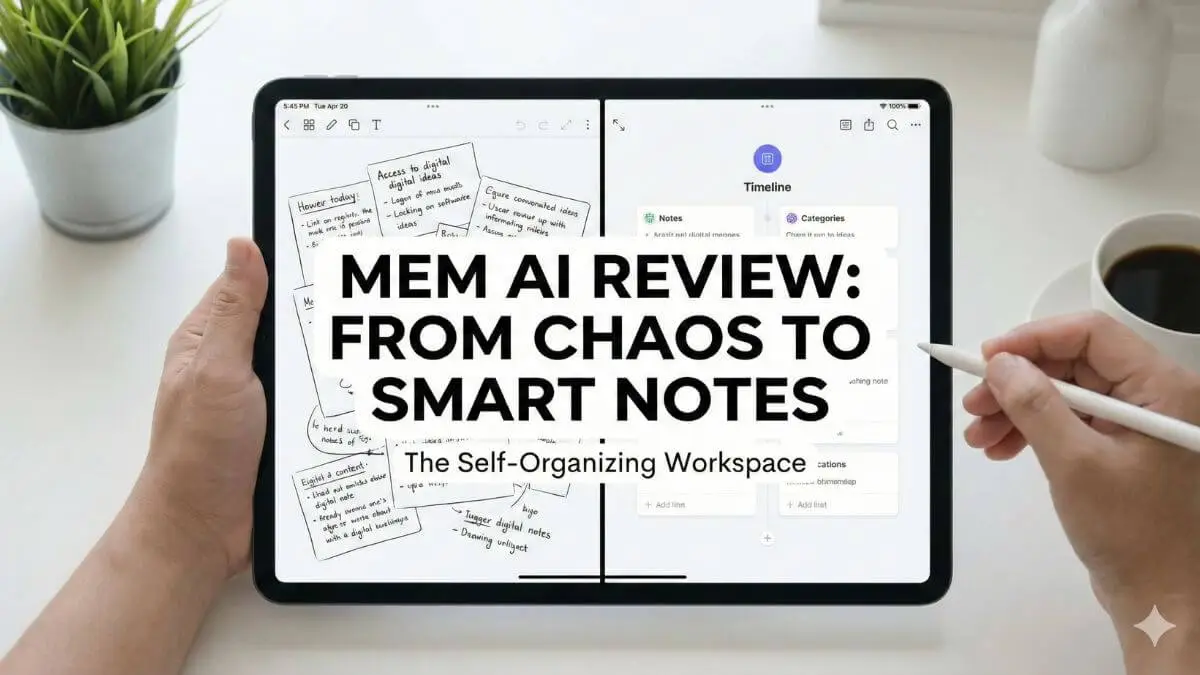
When you open Mem, there is no hierarchy of folders. Instead, you see a timeline that displays your most recent notes. This chronological flow keeps your current context visible and reduces the friction that usually kills spontaneous ideas.
To support this system, Mem uses Flows to connect with your email and calendar. Meetings automatically generate notes, attendees are linked, and past conversations resurface when relevant. Mem quietly organizes context while you focus on thinking.
Key features of Mem: The self-organizing brain
The free plan is fast and minimal. The real intelligence lives in the paid Mem plans (Plus and above), which unlock the AI layer that connects ideas across your entire workspace.
Similar Mems (now “Heads Up”): The serendipity engine
This is Mem’s standout feature. As you type a note, the AI analyzes its meaning in real time and surfaces related notes in a side panel.
For example, while writing about remote work, Mem might resurface a book summary you saved two years ago and a quick thought you captured last month. You did not search for them. Mem simply recognized the connection. This creates moments of serendipity that are difficult to replicate in structured systems.
Mem Chat (now Agentic Chat)
Mem Chat replaces traditional search with conversation. You can ask questions like “What were the key takeaways from my meeting with Sarah last week?” or “Summarize everything I learned about SEO in 2025.”
The AI scans your notes, synthesizes information across sources, and delivers clear answers. It feels less like searching a database and more like consulting a well-organized assistant.
Smart write
Like many AI tools, Mem can rewrite, expand, and summarize text. The difference is context. Because Mem understands your existing notes, its suggestions align more closely with your writing style and ongoing projects.
Real use cases: How to actually use Mem AI
Mem works best when you stop trying to control it. Users who struggle with the app often attempt to recreate Notion-style structures that Mem was designed to avoid.
- The Brain dump: Capture fleeting thoughts via mobile, SMS, or quick entry without titles or tags. Trust that Mem will resurface them later.
- Meeting preparation: When a meeting note opens, Mem displays past interactions with attendees, giving instant context without manual preparation.
- Creative writing: Start with a rough idea and let similar Mems surface research, quotes, and past insights that reduce blank page anxiety.
In all three cases, Mem removes organizational overhead and keeps your mental energy focused on creation.
Mem AI vs Notion: Do you need both?
This is the most common question. Should you replace Notion with Mem?
The answer is no. Most users benefit from using both tools together.
Think of Notion as your architect. It excels at structured projects, deadlines, dashboards, and collaboration. Think of Mem as your librarian. It specializes in memory, retrieval, and connecting ideas across time.
For structured execution and reusable systems, Notion templates for productivity help transform ideas into repeatable workflows that scale across projects.
The ideal workflow in 2026 looks like this: capture ideas freely in Mem, then move mature concepts into Notion when they become actionable projects. For structured execution, see our guide on How to Use Notion AI to Organize Your Projects.
Mem AI pricing and value
Mem still operates on a freemium model, but the tiers changed with the Mem 2.0 relaunch. The Free plan is now capped (around 25 messages and 25 new notes per month, plus limited voice transcription) rather than unlimited — enough to try the product, but tight for daily use.
Paid access now starts at Mem Plus for $9 per month, with Mem Pro at $29 per month as the recommended plan for most knowledge workers (higher-volume “Pro 2x” through “Pro 20x” tiers scale up to roughly $199 per month for heavy users and teams). This replaces the old flat “$10 to $15 per month” Mem X pricing: the entry price is lower, but the useful AI features (Heads Up, Agentic Chat, Voice Mode) now sit behind Plus or Pro rather than a single paid tier.
Pros and Cons
- Pros: Zero-friction capture, excellent idea resurfacing, powerful AI chat across notes.
- Cons: Limited visual formatting, not suited for complex project management, mobile experience varies by platform.
Conclusion
Mem AI review is not designed to replace structured project tools. It is designed to replace the mental load of organizing information.
This Men Ai review focuses on real-world usage rather than marketing promises.
If your work depends on ideas, writing, learning, and long-term knowledge retention, Mem AI offers a lighter and more natural way to think. Use Notion for deadlines. Use Mem for memory. Together, they form a workflow that feels far closer to how the human brain actually works.
FAQ
Is Mem AI free?
Yes, but the free plan is now capped (around 25 new notes and 25 messages per month) rather than unlimited. Full AI features require a paid Plus or Pro plan.
Can I import from Notion?
Yes. Imports are supported, but folder structures are flattened into a timeline.
Is my data private?
Mem states that your data remains yours and is not used to train public AI models.