
Notion AI vs Google NotebookLM for notes is a question many knowledge workers ask as they try to build a smarter way to manage information.
We used to complain about not being able to find information. Today, we face the opposite problem. We are drowning in it. PDFs pile up, articles get bookmarked, ideas are written down quickly, then forgotten. Most of that information disappears into a digital black hole.
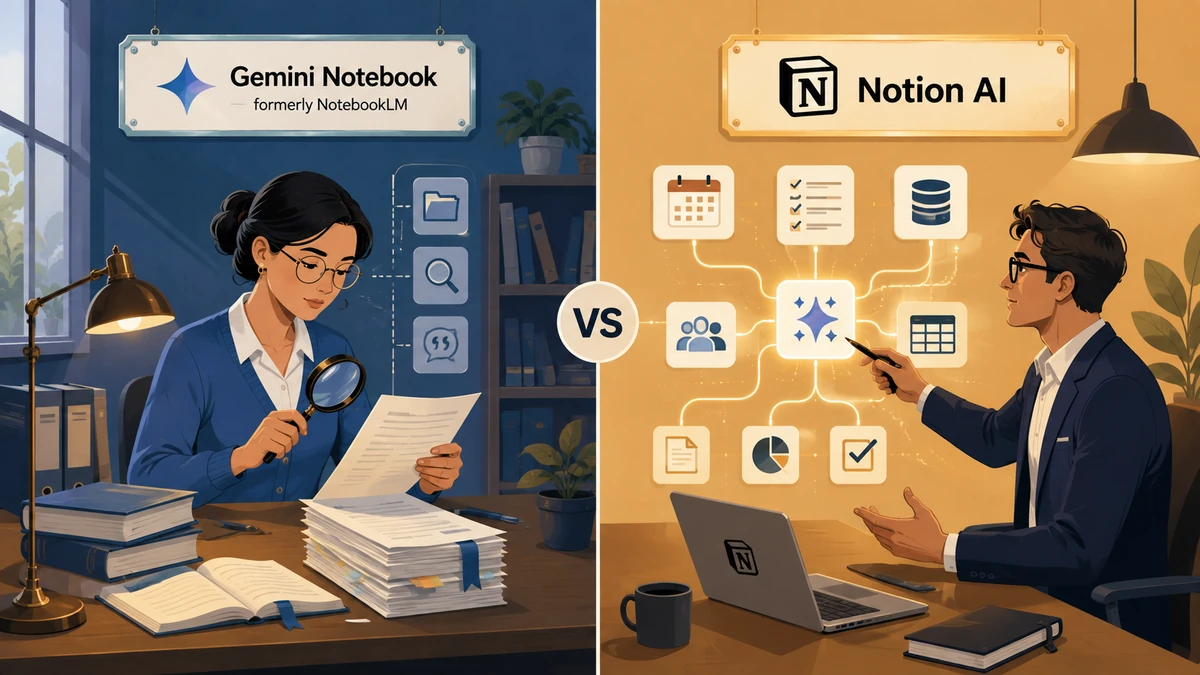
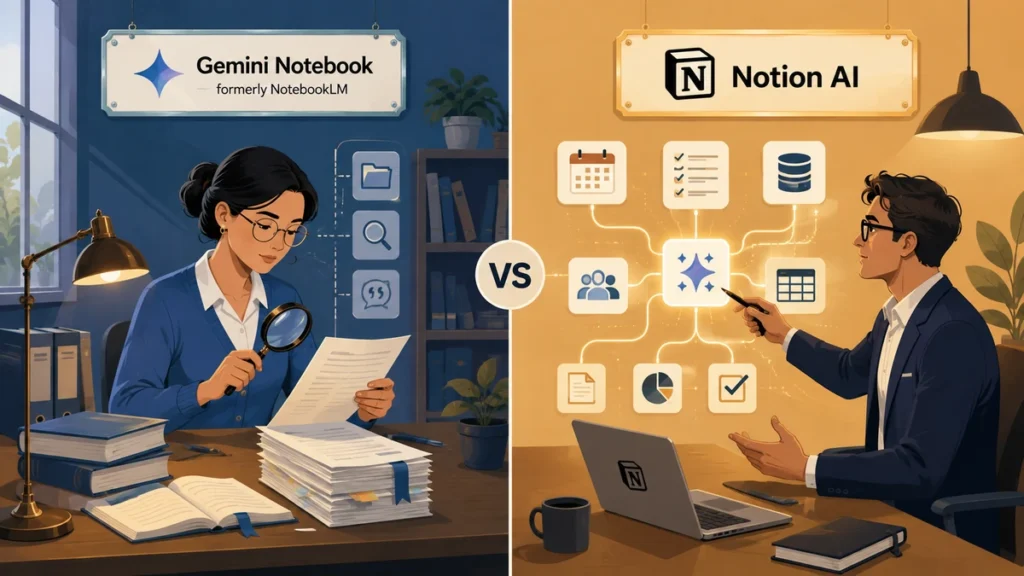
This is where the new generation of AI tools comes in. But here is the important detail many people miss. Notion AI and Google NotebookLM are not designed to solve the same problem. Comparing them directly is like comparing a specialized librarian to a construction manager.
If you are trying to decide which tool to use for your smart note-taking system, the real answer is not choosing one over the other. It is understanding that you usually need one tool to think and another to build.
Let’s explore the Notion AI vs Google NotebookLM for notes debate and see which one truly fits a modern workflow in 2026.
Table of Contents
Notion AI vs Google NotebookLM for Notes: Researcher vs Builder
Before looking at features, it is essential to understand the core philosophy behind each tool. This distinction matters for anyone serious about knowledge management with AI. Many people struggle simply because they use the wrong tool for the wrong job.
Google NotebookLM: The Librarian (Grounded AI)

A quick naming note: Google renamed NotebookLM to Gemini Notebook in July 2026. The product and the underlying features have not changed, and most people still search for and refer to it as NotebookLM, so this guide uses both names.
Google NotebookLM works exclusively with the sources you provide. You upload PDFs, Google Docs, audio files, or text documents, and the tool becomes an expert only on that material.
Because it is restricted to your documents, it rarely invents information. It excels at understanding, synthesizing, and connecting ideas across complex sources. This makes it an exceptional study companion for research-heavy work.
Notion AI: The Chief of Staff (Generative Assistant)

Notion AI lives directly inside your workspace, including your databases, project boards, and internal wikis.
It helps you write, edit, clean, translate, and most importantly organize information into structured systems. While Google helps you understand a topic, Notion gives you the infrastructure to act on that knowledge. It does not just store notes. It builds the system around them.
Notion AI vs Google NotebookLM for Notes: Quick Comparison
Before diving into each tool, here is how Notion AI and Google NotebookLM (now Gemini Notebook) stack up on the points that matter most for note-taking in 2026.
| Feature | Google NotebookLM (Gemini Notebook) | Notion AI |
|---|---|---|
| Best for | Understanding and summarizing research | Organizing information and turning it into action |
| Data source | Only the documents and files you upload | Your entire Notion workspace, pages, and databases |
| Output | Summaries, citations, and audio overviews | Structured databases, action items, and tasks |
| Pricing (2026) | Free Standard tier; paid tiers from $4.99/month | Included only in the Business plan, from $20/user/month |
| Risk of hallucination | Low, answers are grounded in your sources with citations | Moderate, generates freely across your workspace |
| Role in your workflow | The research stage, before you act on what you learned | The execution stage, once you are ready to build |
Google NotebookLM for Research Notes: The Ultimate Study Buddy
If your main goal is to understand complex information quickly, Google NotebookLM is extremely powerful. It does not attempt to manage tasks or projects. Its sole focus is helping you learn faster and more accurately.
Best AI for Summarizing Documents
You can upload dozens of sources into a single notebook and keep all of them in context. NotebookLM remembers everything you upload and provides answers with precise citations, making it one of the best AI tools available for understanding documents.
The Power of Audio Overviews
NotebookLM can generate audio overviews that sound like realistic podcast discussions. This allows you to listen to your research while commuting or walking, turning idle time into productive study sessions.
Is Google NotebookLM Free?
Yes, the core experience is still free. The free Standard tier includes 100 notebooks, up to 50 sources per notebook, 50 chat queries a day, and even Audio and Video Overviews, so most students and researchers never need to pay. Google added paid tiers in 2026 for heavier use: Plus at $4.99 per month, Pro at $19.99, and Ultra at $99.99, mainly for higher usage limits rather than exclusive features.
Notion AI, on the other hand, is no longer a standalone add-on. Notion retired the ten-dollar-per-month add-on in May 2025 and folded AI features into the Business plan, which starts at twenty dollars per user per month. That makes Notion AI the pricier commitment of the two, and a reason to treat it as the system you adopt once you are ready to act, not the tool you try first.
How to Organize Notes with Notion AI: The Action Engine
NotebookLM helps you understand information, but that knowledge remains isolated. You cannot assign deadlines or connect summaries to real projects. This is where Notion AI becomes essential.
From Passive Reading to Active Projects
You can paste a messy meeting transcript into Notion and ask the AI to extract action items and organize them into a table. The tool structures information so it can be tracked and executed.
Notion AI Workflow for Knowledge Management
With database autofill, Notion AI can read every page in your workspace and automatically fill properties such as key takeaways, topics, or sentiment. You are no longer just storing information. You are building a self-organizing library.
Connecting Notes to Tasks
Notes and tasks live in the same ecosystem in Notion. Once your notes are structured, they can be linked directly to project timelines and deliverables.
This level of integration is especially valuable for managing complex projects that go far beyond simple to-do lists.
The Perfect Workflow: Turn Notes into Projects
The smartest approach in 2026 is not choosing a single tool. It is building a workflow where each tool does what it does best.
Step 1: Deep Research with Google NotebookLM
Upload your heavy documents and ask NotebookLM to generate a clear briefing summarizing key insights, opportunities, and risks.
Step 2: Transfer the Insight
Copy the synthesized briefing and paste it into a Notion database entry labeled as a research phase.
Step 3: Execute with Notion AI
Ask Notion AI to transform the briefing into a checklist or roadmap. Convert those steps into tasks. This is where reading becomes execution.
Conclusion: Which One Should You Choose in 2026?
Notion AI and Google NotebookLM are not competitors. They are complementary tools in a modern productivity system.
Choose Google NotebookLM if your priority is learning and understanding large volumes of information. Choose Notion AI if your goal is to build projects and turn ideas into execution.
Final Verdict
Understanding information is only half the work. Real value comes from turning that understanding into structure and execution.
Ready to build your second brain? Start with NotebookLM for research, then move to Notion AI to turn those insights into a real productivity system.
Frequently Asked Questions
Is Notion AI better than NotebookLM for students?
NotebookLM is ideal for reviewing course materials. Notion AI is better for organizing semesters, assignments, and long-term goals. Many students benefit from using both.
Can Notion AI read PDFs like NotebookLM?
Notion AI summarizes content inside pages but is not designed for deep PDF analysis. NotebookLM is grounded in your documents and is more accurate for source-based research.
Is Google NotebookLM safe for private data?
Google states that uploaded files are not used to train public models. For sensitive business data, many teams prefer Notion’s enterprise permission controls.
Can Notion AI and Google NotebookLM work together?
Yes, and that is the workflow this guide recommends. There is no native integration between the two, but you can copy a NotebookLM briefing straight into a Notion database and let Notion AI turn it into tasks. Used together, Notion AI vs Google NotebookLM for notes stops being a competition and becomes a two-step research-to-action pipeline.