
Note-taking has barely changed in centuries, until now. In 2026, taking notes is no longer just about recording information; it is about managing knowledge. If you are still manually transcribing meetings or struggling to find that one brilliant idea you wrote down months ago, you are working harder than necessary.
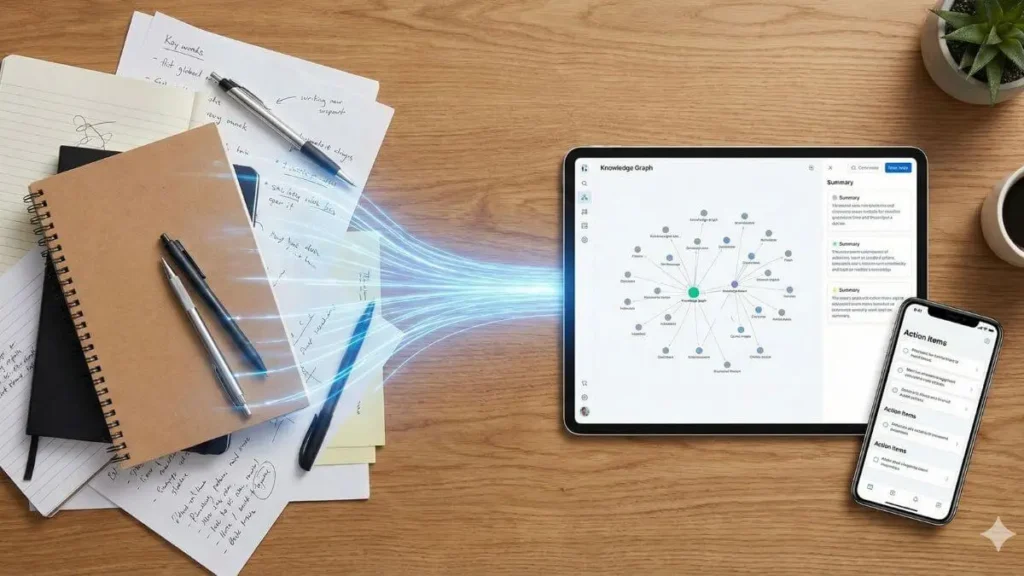
This comprehensive guide will show you exactly how to use AI to take better notes, turning your messy scribbles into an organized “Second Brain” that works for you. We will move beyond simple tools to explore a complete workflow that automates the heavy lifting of organization.
How AI is transforming Note-taking
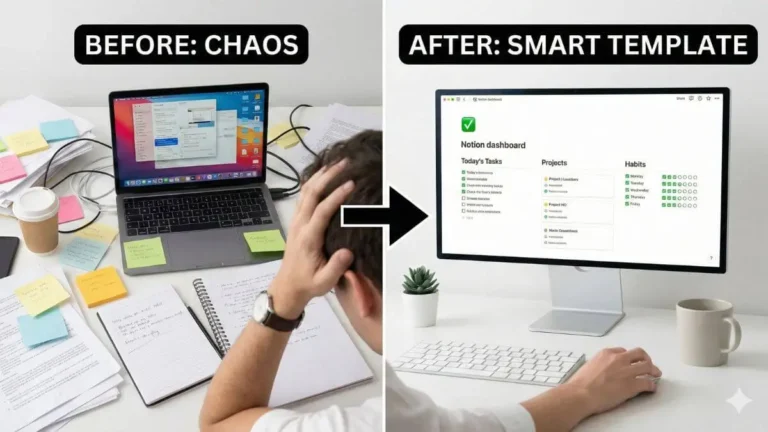
For decades, note-taking was a passive act. You listened, you wrote, and you hoped you could read your own handwriting later. The problem with this traditional method is the friction between capturing an idea and organizing it. You either write everything down and lose structure, or you spend too much time organizing and miss the flow of the conversation.
Today, we are witnessing a digital transformation in productivity. AI has shifted note-taking from a static storage task into a dynamic, active process. Modern tools do not just store words; they understand them. They can identify action items, summarize hours of conversation into seconds of reading, and connect related concepts automatically.
By learning how to use AI to take better notes, you stop being a scribe and start being a strategist. You capture the raw idea, and the AI handles the structure, tagging, and retrieval, effectively becoming an extension of your own memory.
Why an AI Note-taking worflow matters
Most people fail at note-taking not because they are lazy, but because the traditional process is broken. We have all been there: you sit in a meeting, furiously typing every word said. By the end, you have a transcript, but you have missed the actual thinking part of the conversation. Worse, that document gets filed away in a folder named “Meeting Notes,” never to be seen again.
This is where an AI note taking workflow changes the game. It allows you to separate the capture from the organization.
Instead of trying to listen, type, and organize simultaneously, you can lean on AI to handle the cognitive load. The goal is to move beyond simple transcription. While having a record of what was said is useful, having a tool that understands context is revolutionary. An effective AI system filters out the noise, highlights the decisions, and ensures that your notes are actionable assets rather than digital clutter.
The 3-Step AI Workflow for maximum clarity
To truly upgrade your productivity in 2026, you need a system that functions reliably. Here is the proven 3-step workflow on how to use AI to take better notes, moving from raw data to refined knowledge.
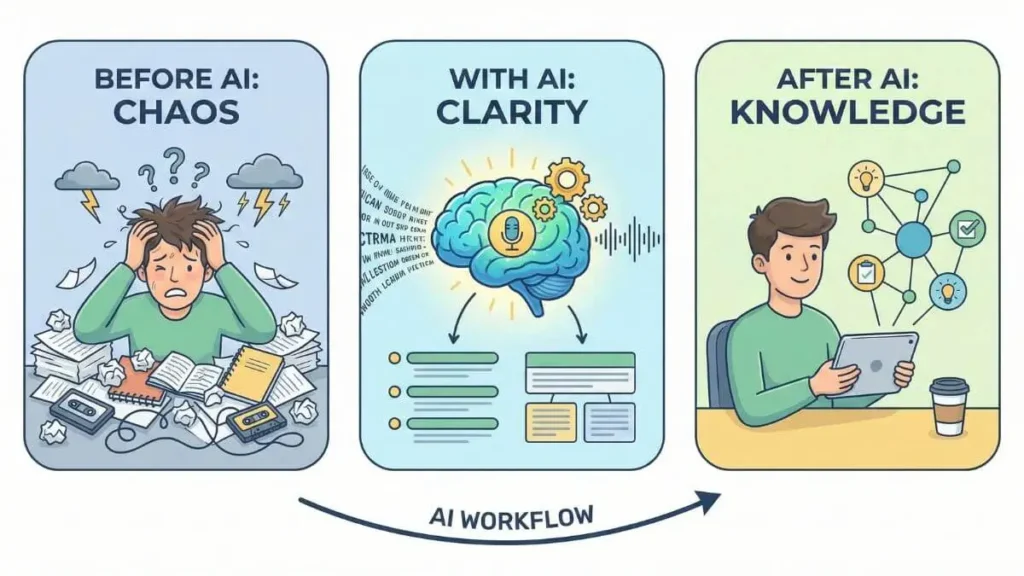
1. Capture: Speed over structure
The first rule of the AI note taking workflow is to eliminate friction. When an idea strikes or a meeting starts, do not worry about formatting, bullet points, or spelling.
- Voice is king: Speaking is up to 7x faster than typing. Use tools like Otter.ai or the native voice features in mobile apps to dictate your thoughts while walking or driving.
- The “Brain dump”: Open a blank page and type exactly what you are thinking in a stream of consciousness. Do not edit. The goal is to get the information out of your head and into the digital realm as fast as possible.
2. Process: Let AI do the heavy lifting
Once the raw data is captured, your job is usually done. In the past, you would spend 20 minutes cleaning up your notes. Now, you use AI prompts to process the raw text instantly.
- Summarization: Ask your AI to “Summarize this transcript into 5 key bullet points.”
- Extraction: Use a prompt like “Extract all action items, deadlines, and assigned names from this text.”
- Restructuring: If you did a messy brain dump, ask the AI to “Rewrite this text as a structured blog post outline” or “Convert this into a professional email.”
3. Connect: Build your knowledge graph
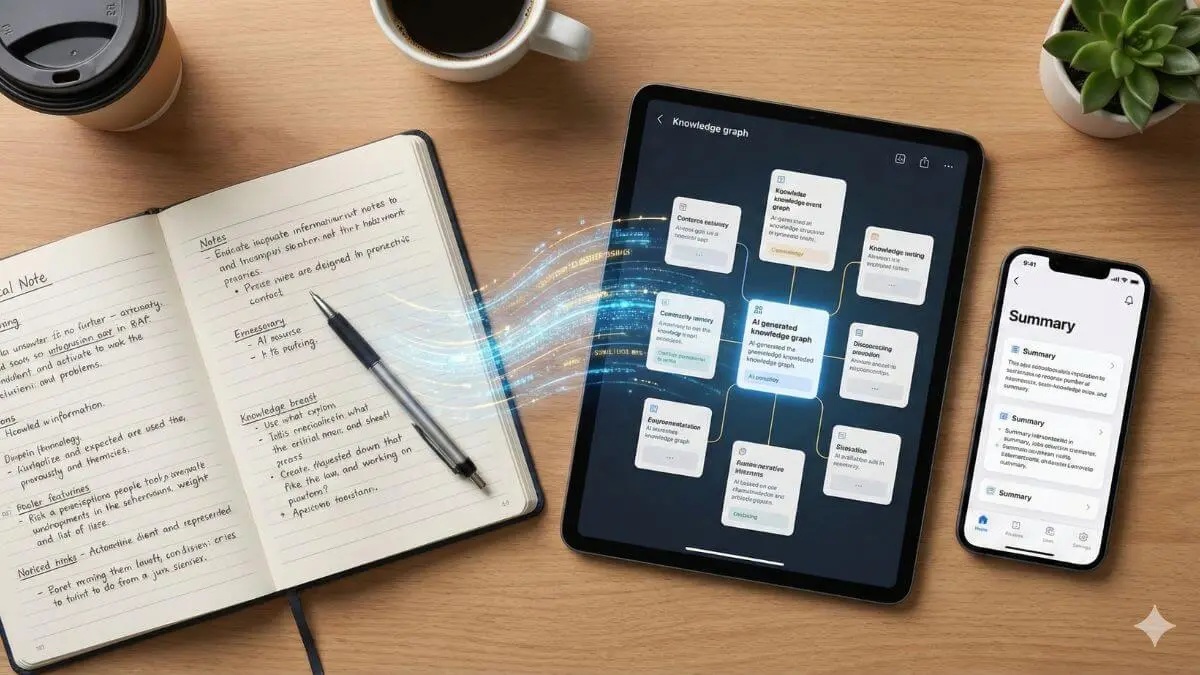
This is the most advanced step. Instead of filing notes into isolated folders (where ideas go to die), use AI tools that support semantic linking.
If you write a note about “SEO Strategy,” advanced AI tools can surface your previous notes on “Keyword Research” or “Content Clusters” automatically. This helps you build a “Second Brain” where ideas connect to each other, fostering creativity and ensuring you never lose a valuable insight again.
Top AI Note-taking tools for 2026
Now that you understand the workflow, you need the right engine to run it. The market is flooded with software, but for the purpose of this guide, we will focus on the AI note taking tools that genuinely support the “Capture, Process, Connect” methodology.
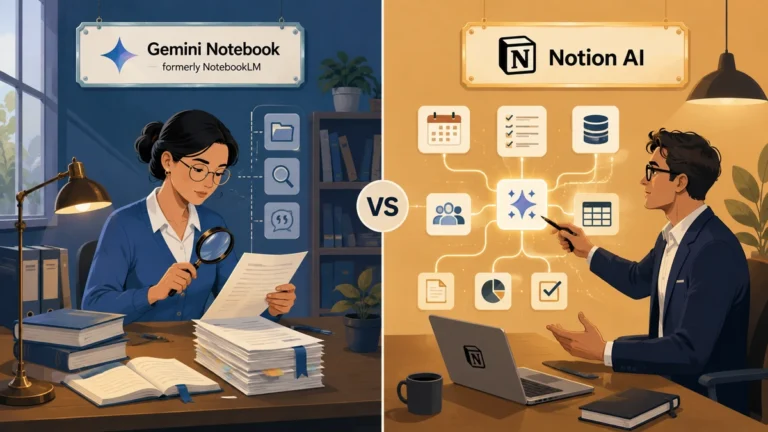
Notion AI: The All-in-one project hub
Notion has evolved from a simple wiki into a powerhouse. Its AI integration is particularly strong for those who want their notes to live right next to their tasks and projects.
- Best feature: The “Ask AI” feature allows you to query your entire workspace. You can also highlight messy text and click “Improve Writing” to turn rough notes into polished documents instantly.
- Ideal for: Professionals who need to turn notes into actionable project tasks.
- (Learn more in our guide: How to Use Notion AI to Organize Your Projects)
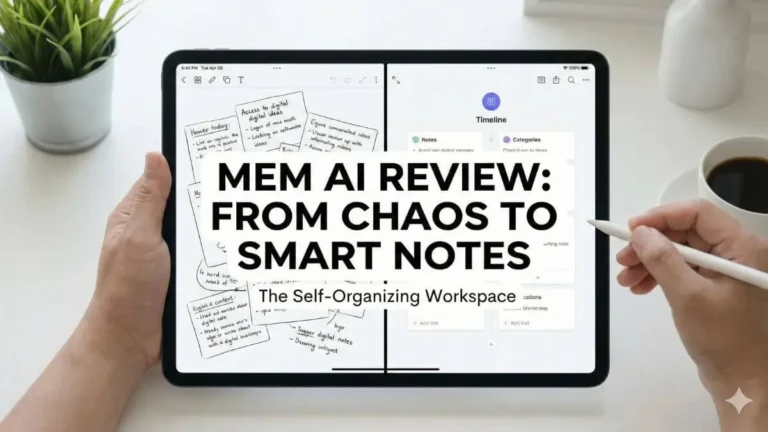
Mem.ai: The self-organizing workspace
If you hate folders, Mem is your solution. It is designed around the concept of “self-organizing” notes.
- Best feature: Mem uses AI to automatically tag and link your notes based on context. It surfaces relevant information from the past while you are writing in the present, creating a true “Second Brain” experience.
- Ideal for: Creative thinkers and writers who want a “set it and forget it” organization system.
- For a deeper dive, see our full Mem AI review.
Otter.ai & Fireflies: The capture kings
These tools are essential for the “Capture” phase of your workflow. They join your Zoom, Teams, or Google Meet calls and generate real-time transcripts.
- Best feature: Automated speaker identification and “meeting summaries” that extract key decisions without you typing a word.
- Ideal for: Remote workers and students attending lectures.
Advanced techniques: Chatting with your notes

In 2026, the most powerful way to use AI to take better notes is not about writing; it is about retrieval. We are moving away from the era of “Search”, where you type keywords and hope for a match, to the era of “Ask”.
This is often called RAG (Retrieval-Augmented Generation) in tech circles, but for you, it simply means you can have a conversation with your own knowledge base.
Instead of spending 20 minutes digging through folders to find a specific paragraph from a project last year, you can simply open your AI assistant and ask:
“What were the three main risks we identified in the Q3 marketing kick-off?”
The AI scans your notes, synthesizes the answer, and presents it to you in seconds. This capability transforms your notes from a static archive into an active partner that helps you think faster.
Frequently Asked Questions (FAQ)
Is my data safe when using AI for note-taking?
This is a common concern. Most enterprise-level tools like Notion and Otter.ai encrypt your data. However, if you are working with highly sensitive or confidential information, always check the platform’s privacy policy to ensure your data isn’t used to train public AI models.
Can AI take notes for me during a live meeting?
Yes. Tools like Otter.ai, Fireflies.ai, and Microsoft Copilot can join your video calls (Zoom, Teams, Meet) to record, transcribe, and summarize the conversation in real-time.
What is the best free AI note-taking tool?
For general use, Notion offers a generous free plan, though its specific AI features usually require an add-on subscription. Google Keep and Obsidian are great free alternatives, though they require more manual setup to integrate with AI plugins.
Conclusion
The shift to AI-assisted note-taking is not just about saving time; it is about saving your ideas. By adopting the Capture, Process, Connect workflow, you ensure that every insight you have is stored, organized, and ready to be retrieved when you need it most.
In 2026, you don’t need to have a perfect memory. You just need a perfect system.
Ready to take the next step? Now that you understand the workflow, dive deeper into the tool that automates it all in our next guide: Smart Notes with Mem AI: The Future of Self-Organizing Knowledge.