
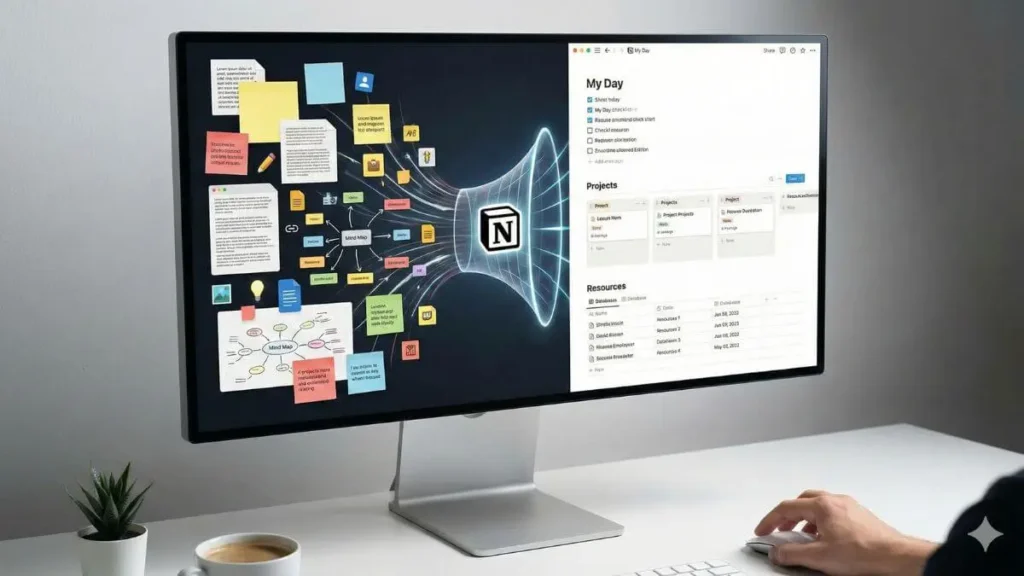
There is a trap that almost every Notion user falls into at least once. We call it the Builder’s Trap.
You sit down to work on an important project. You open Notion. But instead of producing real work, you spend hours tweaking database properties, adjusting formulas, or searching for the perfect icon. You feel productive because you are organizing, yet nothing meaningful gets done.
In 2026, you no longer need to build your entire system from scratch.
The ecosystem of Notion templates for productivity has matured significantly. These are no longer simple to-do lists. Today’s templates are structured, scalable, and increasingly designed to work alongside Notion AI. They allow you to skip the setup phase and focus directly on execution.
In this guide, we have curated practical, ready-to-use systems designed to reduce friction and improve focus. Whether you are building a Second Brain or a complete Life OS, these templates help you stop building and start doing.
Transparency note: Some of the templates mentioned are premium products created by independent designers. We may earn a commission if you choose to support them.
What makes a smart template in 2026?
Before duplicating the first aesthetic dashboard you see online, it is worth understanding what actually makes a productivity system effective.
Many templates look impressive in demos but collapse when real work is added. Our recommendations are based on three essential criteria.
AI integration
Modern Notion productivity templates should be compatible with Notion AI. The best systems are designed with properties ready for summaries, AI-assisted writing, and contextual queries. A smart template reduces manual input and supports automation rather than adding complexity.
Scalability over aesthetics
A template that works with five tasks may struggle with five hundred. We prioritized systems built on solid database architecture rather than visual decoration. Scalable templates remain fast, readable, and usable over time.
Low-friction maintenance
A productivity system should not require constant upkeep. If a dashboard forces you to manually update multiple properties just to complete a task, it will eventually fail. The most effective templates rely on linked databases, filters, and automated views that surface the right information at the right moment.
The second brain systems (knowledge management)
For writers, students, and researchers, productivity is closely tied to memory. Consuming information without retaining it creates frustration and mental overload.
The Second Brain methodology, popularized by Tiago Forte, aims to create a reliable external memory system. While Notion is powerful for this purpose, building such a structure manually can be overwhelming.
Top pick: Ultimate brain
When it comes to a Second Brain Notion template, Ultimate Brain is widely considered a reference system among professionals and long-term Notion users.
Rather than separating notes and tasks, it connects them. A writing task is linked to research notes. Meeting notes surface when related projects are active. This relational approach mirrors how real work happens.
Common features include:
- The PARA framework for organizing information
- Fast capture dashboards for ideas and notes
- Recurring task logic implemented through formulas
Ultimate Brain is commonly used by creators and knowledge workers who rely on Notion as a long-term thinking environment rather than a simple task manager.
Is a notion second brain right for you?
Second Brain systems require discipline. Notes must still be captured and organized intentionally.
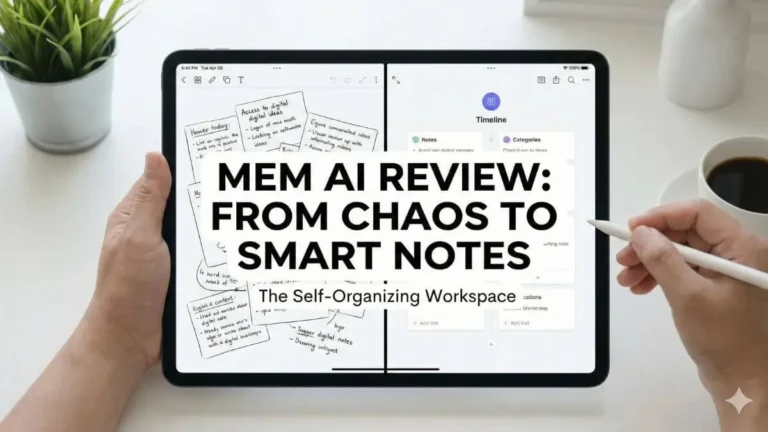
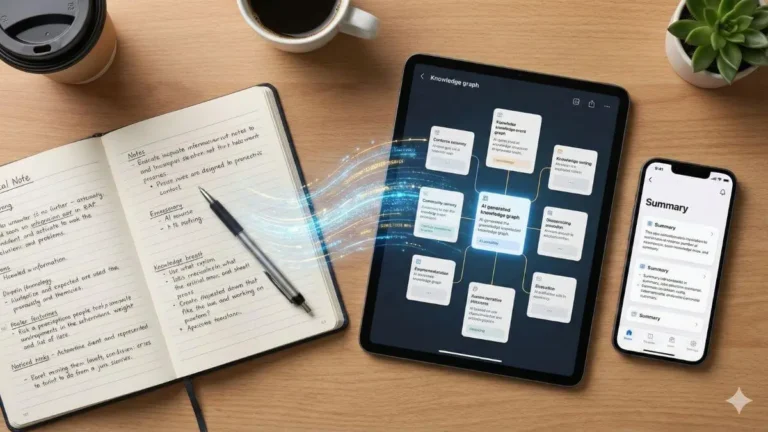
If you prefer a system where ideas are connected automatically with minimal effort, an AI-driven approach may be more suitable. For users seeking automated knowledge organization, our review of Smart Notes with Mem AI explores an alternative that complements Notion well for structured execution.
Life OS and productivity dashboards
If a Second Brain stores knowledge, a Life OS focuses on daily execution.
Freelancers and solopreneurs often struggle with fragmented tools. Tasks live in one app, finances in another, habits in a third. This constant switching drains focus.
A well-designed Notion productivity dashboard centralizes everything into a single workspace.
Top pick: All-in-one life OS
Effective Life OS templates align daily actions with long-term goals. A functional dashboard typically includes:
- Daily priorities filtered from a master task list
- Habit tracking with visual progress
- A daily journal linked to calendar dates
- A lightweight finance overview
A solid Life OS notion setup can replace multiple subscriptions with one cohesive system.
Aesthetics Vversus functionality
While aesthetic dashboards are popular, excessive visuals can slow performance, especially on mobile. The most reliable systems balance minimal design with speed and clarity. Native icons and clean layouts tend to age better than heavily customized visuals.
Project management and action-Oriented workflows
For complex projects, habit dashboards are not enough. Product launches, client work, and content pipelines require structured execution.
A reliable Notion project management template separates outcomes from actions. Projects define objectives, while tasks represent concrete steps.
Top pick: Agile workflow systems
Templates based on GTD or Agile principles are particularly effective for professionals. Key features often include:
- Kanban boards for task flow
- Sprint-based planning
- Client-facing portals with controlled access
If building these relations manually feels overwhelming, a pre-built Notion template for work can save weeks of setup time.
If you prefer learning the logic behind these systems, our guide on How to Use Notion AI to Organize Your Projects explains how to build similar workflows from scratch.
How to Install and Use These Templates Effectively
Installing templates is simple, but misuse is common.
- Choose one system. Avoid collecting multiple templates.
- Duplicate the template directly into your workspace.
- Remove demo data without altering the structure.
- Commit for 30 days before making structural changes.
Most productivity failures come from constant system hopping rather than flawed tools.
Conclusion: Avoid the collector’s trap
The Builder’s Trap often leads to the Collector’s Trap. Downloading multiple Notion templates for productivity creates the illusion of progress without real change.
A template is only a framework. Its value comes from consistent use.
Our recommendation is simple. Choose one system today. Whether it is a Second Brain, a Life OS, or a project management workflow, commit to it fully. The most effective productivity system is the one you actually use.
FAQ
Are Notion productivity templates free?
Some basic templates are free, but advanced systems are usually paid due to their complexity and long-term value.
Do these templates work with the free Notion plan?
Yes. Most templates function perfectly on the free personal plan.
Can Notion AI be used with these templates?
Yes. Many modern templates are designed specifically to support Notion AI features such as summaries and content generation.