

Between back-to-back meetings, three different projects, and an inbox that never empties, a busy professional’s calendar stops being a planning tool and starts being a survival document. The old fix was color-coding blocks by hand. The current one is handing part of that job to an AI assistant that watches your calendar the way you wish you had time to. We rounded up the best AI calendar tools for busy professionals so you do not have to test all of them yourself.
We tested and compared the tools that consistently come up when professionals ask which AI calendar is actually worth paying for. Some are built to protect your focus time, some are built to squeeze every gap out of your day, and a couple are already sitting inside the calendar app you use. Here is what each one does well, what it costs, and who it fits.
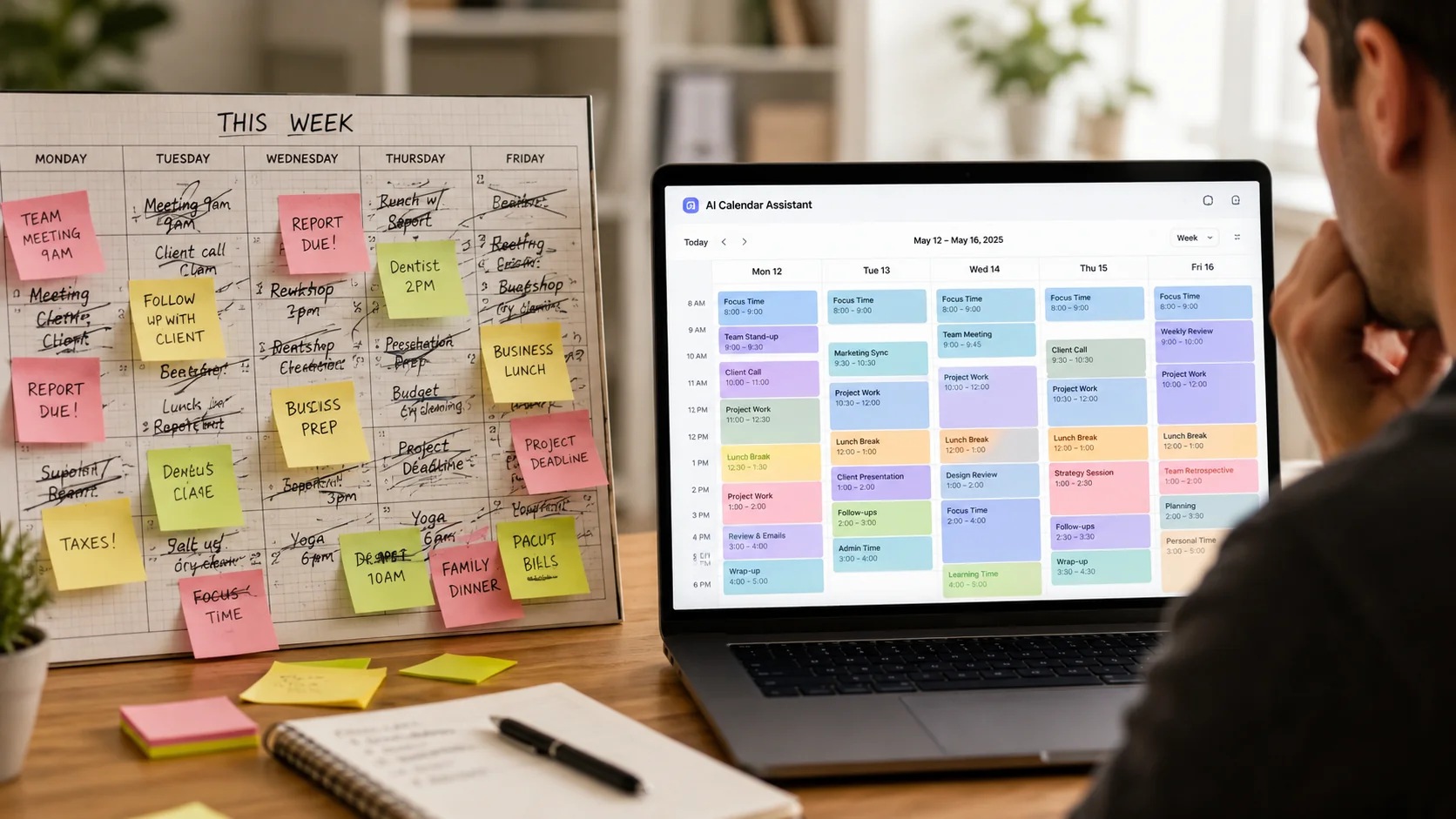
Table of Contents
What makes an AI calendar tool useful for busy professionals
Not every “smart calendar” earns the label. Before comparing tools, it helps to know what actually separates a useful one from a glorified reminder app.
- It reschedules on its own. If a meeting runs long, the tool should shift your other tasks automatically instead of leaving you to do it by hand.
- It protects focus time. A tool that lets colleagues book over your deep work blocks is not really defending your schedule.
- It works with the calendar you already have. Google Calendar and Outlook still run most workplaces, so a tool that cannot sync cleanly with either one creates more friction than it removes.
- It scales with meeting volume. A tool built for a light schedule will feel clunky once you are juggling client calls, internal syncs, and admin time in the same week.
The best AI calendar tools for busy professionals
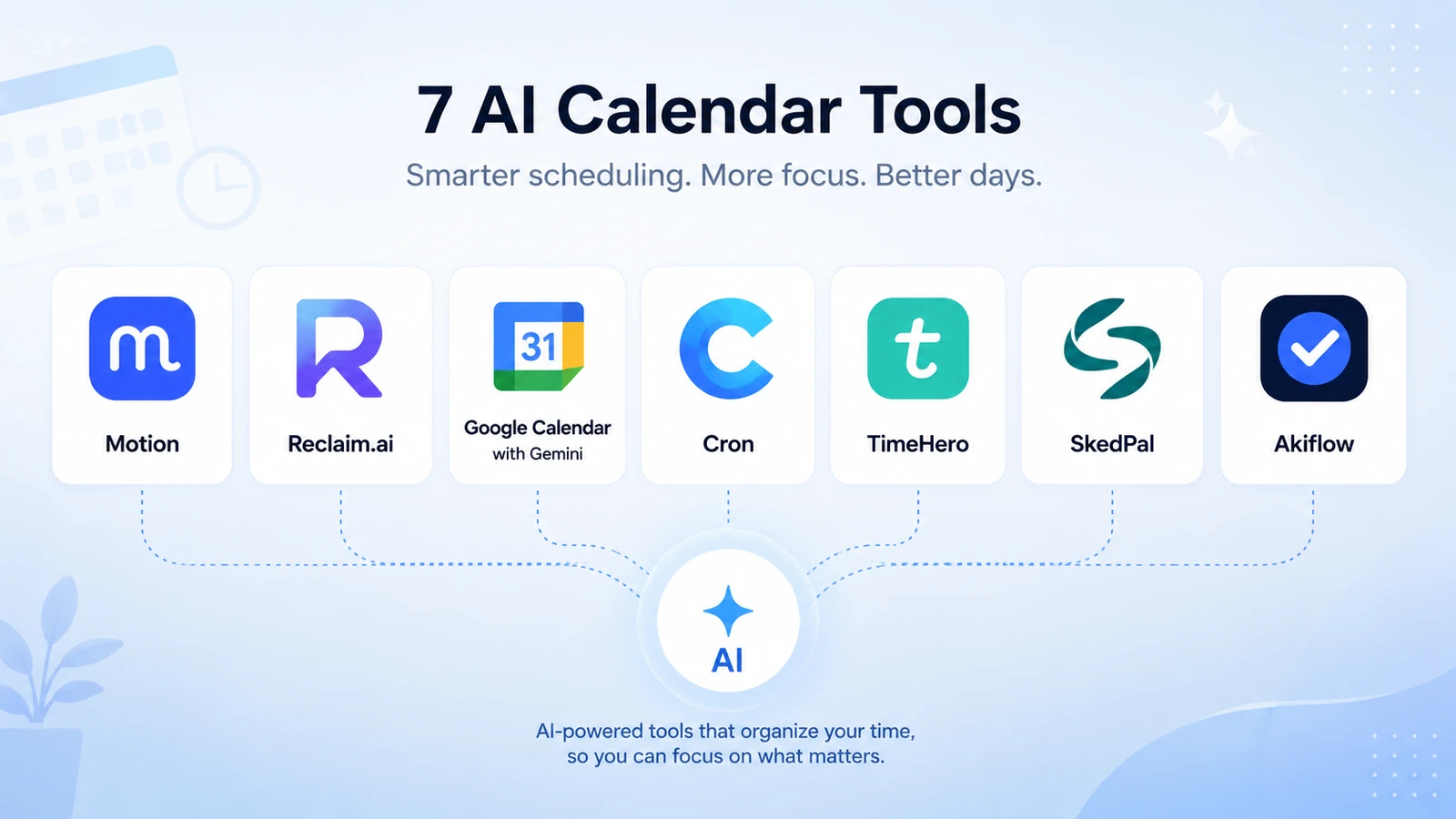
Here is the full lineup of the best AI calendar tools for busy professionals, with starting prices for a single user.
| Tool | Best for | Starting price |
|---|---|---|
| Motion | Full automatic scheduling | From $19/month |
| Reclaim.ai | Protecting focus time on a budget | Free, paid from $10/seat/month |
| Morgen | Juggling multiple calendars and task apps | From $15/month (annual) |
| Vimcal | Executives with a packed meeting load | From $16.67/month (annual) |
| Fantastical | Apple ecosystem users | From $4.75/month (annual) |
| Sunsama | A guided daily planning ritual | From $17/month (annual) |
| Akiflow | Keyboard-first power users | From $19/month (annual) |
Motion: the most aggressive auto-scheduler
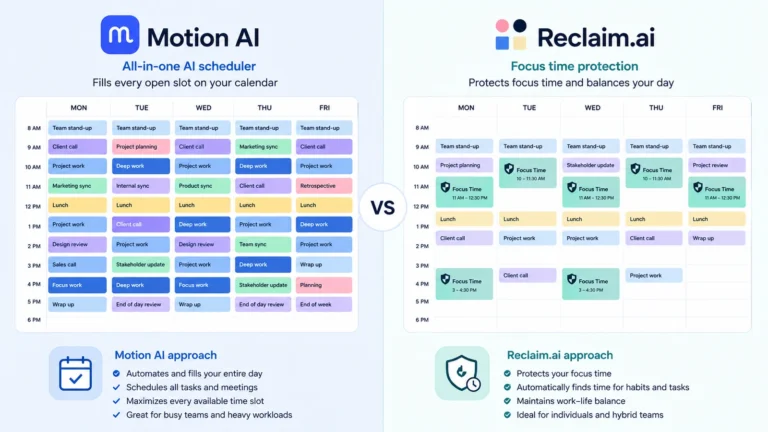
Motion treats your task list like a puzzle it has to solve before the end of the day. Give it a deadline and it will find room for the task somewhere in your calendar, moving lower-priority items automatically when something more urgent comes in. It is the closest thing on this list to fully handing over your schedule, which makes it a strong fit for professionals with a high volume of shifting deadlines, and a bit much for anyone who prefers to stay in the driver’s seat. Pricing starts at $19 a month for the Pro plan and $29 for Business, with usage-based credits for its AI features on top.
Reclaim.ai: the best free starting point
Reclaim.ai built its reputation on defending time rather than filling it. You tell it what matters, habits, focus blocks, one-on-ones, and it protects those slots the same way it protects a scheduled meeting. It has a genuinely usable free plan, which makes it the easiest one on this list to try without committing. It also absorbed a large chunk of the market in March 2026 when Clockwise, one of its main competitors, shut down and migrated its users over. Paid plans start around $10 a seat per month on annual billing.
Morgen: the hub for scattered tool stacks
If your day is split across Google Calendar, a task manager, and a notes app, Morgen‘s job is to pull all of it into one view. Its AI planner drafts a schedule based on your tasks and deadlines, but it waits for your approval before moving anything, which some professionals prefer over a fully autonomous assistant. It is a solid pick if you already juggle more than one productivity tool and want a single place to see the whole picture. Plans start at $15 a month billed annually.
Vimcal: built for meeting-heavy schedules
Vimcal is designed around speed, keyboard shortcuts, quick time zone conversion, one-click rescheduling, and a feature that reads meeting details straight out of a screenshot or forwarded email. It is popular with executives and their assistants specifically because it shaves seconds off tasks that happen dozens of times a day. There is also a dedicated Vimcal EA plan built for people who manage someone else’s calendar professionally. Standard plans start around $16.67 a month on annual billing.
Fantastical: the pick for Apple users
Fantastical does not try to be the most powerful automation engine on this list, it tries to be the most pleasant calendar to use every day. Natural language event creation (“lunch with Sam Thursday at noon”) and tight integration with iPhone, iPad, and Mac make it a favorite for professionals who live inside Apple’s ecosystem and want something polished rather than aggressive. It is also the most affordable option here, starting under $5 a month on an annual plan.
Sunsama: for a calmer, guided routine
Sunsama slows things down on purpose. Instead of an algorithm quietly reshuffling your day in the background, it walks you through a short planning ritual each morning and a review each evening, pulling in tasks from tools like Trello, Asana, or Notion along the way. It suits professionals who want structure and a clear stopping point for the day rather than a calendar that is constantly in motion. Pricing starts at $17 a month on an annual plan.
Akiflow: for keyboard-first power users
Akiflow is built around a command bar you can pull up from anywhere to capture a task or block time without touching your mouse. It pulls in items from email, Slack, and other tools into one task list, then lets you drag them straight onto your calendar. It rewards people willing to learn its shortcuts with a genuinely fast planning workflow. Plans start around $19 a month billed annually.
The free option already on your computer
Before paying for any of the tools above, it is worth checking what your existing calendar can already do. Google has been rolling out Gemini directly inside Google Calendar, letting you describe your week in plain language and get suggested time blocks without installing anything. Microsoft is doing the same with Copilot in Outlook, which can summarize your schedule and draft new events from a prompt. Neither is as aggressive as a dedicated tool like Motion, but if your company already runs on Google Workspace or Microsoft 365, it costs nothing extra to try.
How to choose the right one for you
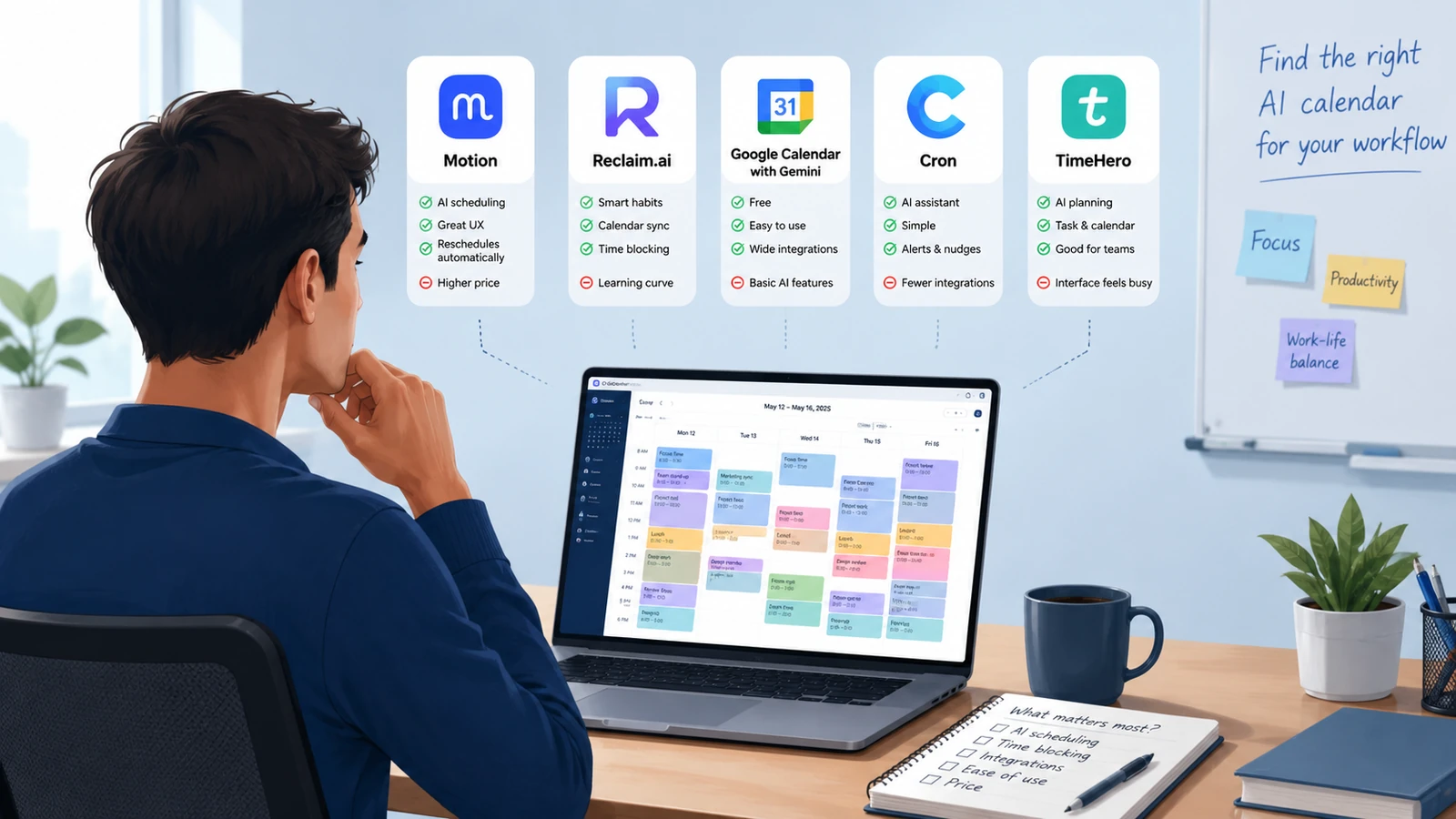
With this many options, the fastest way to decide is to match the tool to how you actually work rather than which one has the most features.
- If you want full automation and have a heavy task load, start with Motion.
- If you want to protect focus time without paying anything upfront, start with Reclaim.ai.
- If your day is split across several tools and calendars, Morgen will feel the most organized.
- If your calendar is mostly back-to-back meetings, Vimcal is built specifically for that pace.
- If you live on an iPhone or Mac and want something simple, Fantastical is the easiest to enjoy daily.
- If you want a calmer, ritual-based approach, Sunsama fits best.
- If you type faster than you click, Akiflow’s keyboard-first design will feel natural.
Most of these tools offer a free trial, so the realistic approach is picking the one that matches your workflow, testing it for a week of real meetings, and switching if it does not click. For a deeper look at how this technology works under the hood, see our guide on AI time blocking explained.
Frequently asked questions
What is the best free AI calendar tool?
Reclaim.ai has the most usable free plan among the paid tools on this list, and Notion Calendar is free on its own. If you would rather not install anything at all, Gemini in Google Calendar and Copilot in Outlook are already included if your company uses those platforms.
Do these AI calendar tools work with Outlook as well as Google Calendar?
Most of them do. Motion, Reclaim.ai, Morgen, and Akiflow all sync with both Google Calendar and Outlook. Fantastical works best inside Apple’s own calendar app, so check compatibility first if your team runs on Outlook.
Is it worth paying for an AI calendar tool as a solo professional?
For most people juggling more than a handful of meetings a week, yes. Even the pricier options tend to save more time in a month than they cost, and a few of them, including Reclaim.ai and Notion Calendar, have a free tier worth trying before you pay anything.
Can I use two AI calendar tools at the same time?
It is possible, but it usually causes more problems than it solves. Two tools both trying to reschedule the same calendar will eventually create duplicate events or conflicting blocks. Pick one primary tool and use a second only for something unrelated, like time zone conversion.

[…] For a closer look at tools built specifically for that second column, see our guide to the best AI calendar tools for busy professionals. […]