
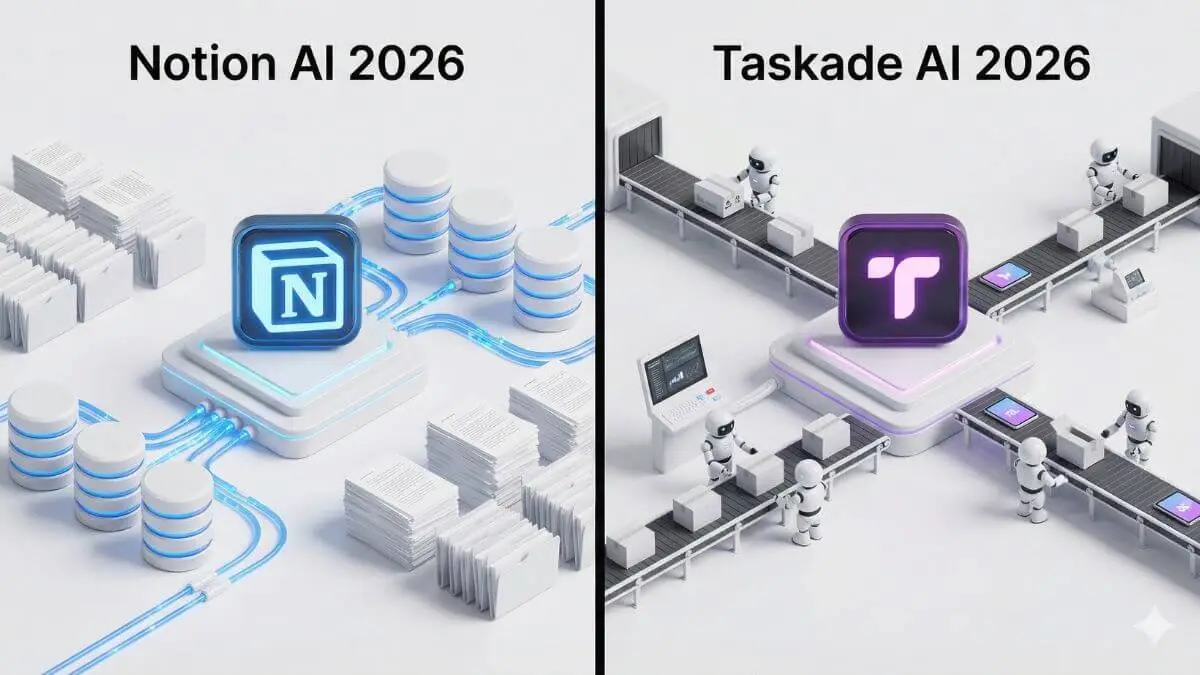

We are no longer in the era of simple “digital notebooks.” If 2024 was about organizing information, 2026 is about automating action.
For years, the productivity world has been dominated by a single question: “Where should I store my data?” But with the rapid rise of autonomous AI agents and smart workflows, the question has shifted. Now, you should be asking: “Which tool will actually do the work for me?”
This is where the battle of Taskade AI vs Notion AI for productivity becomes fascinating. On one corner, you have Notion, the undisputed king of knowledge management and a “second brain” that stores your entire life. On the other, Taskade has emerged as a formidable challenger, positioning itself not just as a storage unit, but as an AI-powered workforce capable of executing tasks autonomously.
In this guide, we won’t just compare features. We will dissect the fundamental philosophical difference between these two giants to help you decide which one deserves to run your business in 2026.
(Note: If you are new to the Notion ecosystem, I highly recommend starting with our comprehensive pillar guide on How to Use Notion AI to Organize Your Projects to master the basics first.)
The shift: From “second brain” to “digital teammate”
Why is this comparison trending right now? Because the definition of a productivity tool has changed.
Until recently, tools like Notion were static. You had to manually input data, manually update statuses, and manually assign tasks. It functioned as a digital filing cabinet. Beautiful, but passive.
Enter Taskade AI and the new wave of Notion 3.0 features. Both platforms are racing to transform from passive databases into active participants in your daily workflow.
- Notion is betting on “Contextual Intelligence” (understanding your wikis, docs, and calendars to answer complex questions).
- Taskade is betting on “Agentic Action” (deploying Taskade Genesis agents to build apps, scrape the web, and complete projects for you).
Choosing the best AI project management tool 2025 isn’t about which interface is prettier. It’s about deciding whether you need a smarter librarian (Notion) or a faster intern (Taskade).
In the following sections, we will break down exactly how Taskade AI agents vs Notion AI Q&A features stack up against each other, and which one offers the best ROI for Taskade vs Notion for small teams.
Taskade AI: Beyond To-Do lists with autonomous agents
While Notion has focused on becoming the ultimate library, Taskade has quietly evolved into the ultimate factory. In the comparison of Taskade AI vs Notion AI for productivity, this is the sharpest distinction: Notion is where you plan work; Taskade is where you deploy it. According to the official Taskade AI documentation , the platform is designed to automate workflows using autonomous agents that actively execute tasks instead of simply organizing them.
In 2026, Taskade is no longer just a project management tool. It has morphed into an “Agentic Workforce” platform. The goal isn’t just to tick boxes manually but to have an AI layer that ticks them for you.

Taskade genesis: From prompt to full application
The flagship feature defining Taskade in 2026 is Taskade Genesis.
Imagine telling your software: “Build me a CRM for my freelance design business with a kanban board, an automated invoice generator, and a client portal.” In the past, this would take hours of setting up databases and relations. With Taskade Genesis, it happens in seconds.
This “one prompt = one app” capability changes the game for workflow automation. You aren’t just creating a list, you are generating a living system structure. For startups and agile teams, this speed of deployment is often the deciding factor when choosing the best AI project management tool 2025.
Training your personal AI team
We have all used chatbots. Autonomous AI agents, however, are different. Taskade allows you to build specific agents, such as a Project Manager, a Research Assistant, or a Coder, and assign them to specific projects.
Unlike a generic chat, these agents have context. They “live” inside your project boards.
- You can upload your brand guidelines to a “Marketing Agent,” and it will write social captions that actually sound like you.
- You can assign a “Researcher Agent” to browse the web and populate a spreadsheet with competitor data while you sleep.
This is where Taskade AI agents vs Notion AI Q&A diverge greatly. Notion’s AI answers questions about your data. Taskade’s Agents perform actions using your data.
Real-time collaboration & video
Finally, Taskade solves the “app switching fatigue” that plagues Notion users.
If you use Notion, you likely also have Slack open for chat and Zoom for calls. Taskade consolidates this stack. It features built-in video calling and real-time chat directly inside the project window.
For remote teams, this is a massive productivity booster. You can hop on a call, edit a document together in real time, and let an AI agent transcribe and assign follow up tasks, all without ever leaving the browser tab.
Notion 3.0: Centralizing intelligence with Notion agents
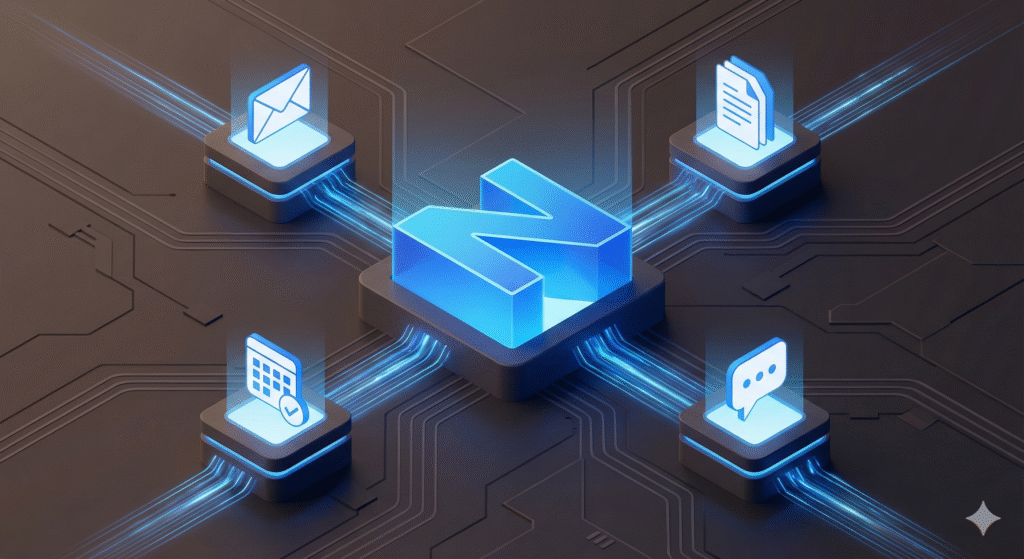
If Taskade is the factory, Notion is the headquarters. The strength of Notion AI lies in its “Cognitive Context.” Because it stores your wikis, your strategy docs, and your calendars, its AI doesn’t just execute tasks; it understands them.
With the release of Notion 3.0, the platform has doubled down on being the single source of truth for your business. It’s no longer just about writing prettier notes, it’s about connecting the dots between them.
Multi-model freedom: Choose your intelligence
One of the most praised features in 2026 is Notion’s agnostic AI approach.
Unlike competitors locked into a single model, Notion now offers multi model freedom. You can switch between GPT-5.2 for creative writing, Claude Opus 4.5 for nuanced coding tasks, or Gemini 3 for deep reasoning, all within the same interface.
This flexibility is crucial for power users. You aren’t forcing a creative AI to do math, or a logical AI to write poetry. You simply select the best brain for the job directly in your Notion AI Q&A sidebar.
Notion mail & smart triage
The biggest game-changer for personal productivity this year has undoubtedly been Notion Mail.
By integrating a completely reimagined email client directly into the workspace, Notion AI can now perform “Smart Triage”. It scans your incoming emails, identifies action items, and auto-tags them into your Smart To-Do list database.
This bridges the gap between communication and action. You no longer need to copy-paste tasks from Gmail. Notion AI reads the email, understands the context, and creates the task for you.
The long-awaited offline mode
Finally, we must address the elephant in the room. For years, the lack of offline access was Notion’s Achilles’ heel.
In late 2025, Notion finally rolled out a robust Offline mode. This update allows Notion AI to function locally for basic tasks and sync perfectly once you reconnect. For digital nomads and travelers, this single update often tips the scale in the Taskade AI vs Notion AI debate, restoring confidence in Notion as a reliable, anytime-anywhere knowledge hub.
Choosing your workflow: Feature comparison
We have seen the shiny new features, but how do they translate to daily work? When deciding between Taskade vs Notion for small teams or personal use, the choice often comes down to your “productivity philosophy.”
Are you a Architect who loves building systems (Notion), or a Commander who wants troops to execute orders (Taskade)?
Project management vs. knowledge management
This is the most critical distinction to understand in 2026.
Notion is undisputed for knowledge management. If you need to write long-form documentation, build a company wiki, or create a complex database of interconnected ideas, Notion is superior. It is a library where everything is neatly indexed.
Taskade, however, wins on project execution. Its interface is designed for momentum. Features like the “Mind Map view” that instantly transforms into a Kanban board, or the built-in countdown timers, create a sense of urgency. While Notion is where you document the plan, Taskade is where you finish the sprint.
Learning curve & UI: Blank Canvas vs. Genesis
Notion’s greatest strength is also its greatest weakness: the Blank Canvas.
New users often face “Notion paralysis.” You have to build your system from scratch using “Lego blocks.” It offers infinite flexibility, but requires a steep learning curve to master databases and relations.
Taskade feels more like a modern cockpit. The Taskade Genesis interface is visual-first. You don’t build the views; they are already there. You can switch from a list to a mind map to an org chart with one click. For teams that want to start working immediately without hiring a “Notion Consultant” to build their workspace, Taskade is significantly faster to deploy.
Pricing & value (2026)
Finally, let’s talk budget. Both tools offer generous free plans, but their monetization of AI differs.
- Notion AI is no longer a simple add-on: full AI access now requires the Business plan ($20/member/month). Free and Plus only get a limited trial. A separate pay-as-you-go credit system for the new Custom Agents is also available ($10 per 1,000 credits).
- Taskade bundles its AI credits and agent capabilities into its tiered paid plans: Free, Pro ($10/month billed annually), Business ($25/month billed annually), and Max ($100/month billed annually, the tier that unlocks its most advanced autonomous agents), plus a custom-quoted Enterprise plan.
For a solopreneur, Notion might seem cheaper initially. But for a small agency needing to replace Slack (chat), Zoom (video), and Jasper (writing), Taskade’s all-in-one pricing often delivers better value per dollar.
Summary: The “action vs. storage” matrix
| Feature | Notion AI (The Brain) | Taskade AI (The Engine) |
|---|---|---|
| Core Philosophy | Knowledge Management & Databases | Action, Automation & Agents |
| AI Capability | Q&A + Agents: Answers questions and, since Feb. 2026, also runs scheduled Custom Agents. | Agents: Performs autonomous tasks & workflows. |
| Best for… | Wikis, Docs, Long-term Strategy. | Sprints, Agencies, Repetitive Workflows. |
| Communication | Comments & Async collaboration. | Real-time: Built-in Video & Chat. |
| Setup Speed | Slow (Build it yourself). | Fast (One-prompt generation). |
Who should use which?

The debate of Taskade AI vs Notion AI for productivity doesn’t have a single winner. It has two different champions depending on the arena. Worth noting: Notion has narrowed the gap since launching its own autonomous Custom Agents and a developer platform in early-to-mid 2026, so this is no longer a pure “knowledge base vs. agents” split, but Taskade’s agent tooling remains more turnkey for teams that want automation out of the box.
In 2026, the choice comes down to one question: Do you need to organize information or automate action?
Choose Taskade AI if…
- You run an Agency or Agile Team: You need a “Command Center” where tasks are assigned, discussed via video, and executed by AI agents without switching tabs.
- You want “Done-for-You” workflows: You prefer typing a prompt like “Build a marketing sprint” and having the entire board generated instantly via Taskade Genesis.
- Speed is your priority: You value real-time collaboration and fast deployment over complex database architecture.
Choose Notion AI if…
- You are building a “Second Brain”: You need a deep, interconnected library of knowledge, strategy documents, and company policies.
- You need total flexibility: You want to design every pixel of your workspace, from the dashboard layout to the specific properties in your database.
- You are a Solo Creator: The new Notion Mail and offline capabilities make it the perfect all-in-one companion for writing and personal organization.
Frequently asked questions (FAQ)
Is Taskade AI better than Notion for small teams?
Yes, for execution-focused teams. Taskade vs Notion for small teams is often decided by communication needs. Taskade’s built-in chat and video calling make it superior for remote teams that want to avoid paying for Slack or Zoom. Notion is better if your team relies heavily on documentation.
What is the best AI project management tool 2025/2026?
If you need autonomous agents to perform work, Taskade is the leader. If you need a cognitive assistant to retrieve information and help you write, Notion AI remains the industry standard.
Can Taskade AI agents replace Notion databases?
Not exactly. Taskade Agents are “doers”: they execute tasks. Notion databases are “containers”: they store information. Most productive companies in 2026 actually use both: Notion for documentation and Taskade for execution.
Ready to upgrade your workflow?
Don’t let your tools manage you. Whether you choose the “Agentic Power” of Taskade or the “Cognitive Depth” of Notion, the key is to start automating today.
- Master Notion: Check out our step-by-step guide on How to Build a Smart To-Do List with Notion AI.
- Explore More Tools: Discover our curated list of the Best AI Productivity Tools for 2026 on Artificial Globe.


[…] level of integration is especially valuable for managing complex projects that go far beyond simple to-do […]